One system for every customer queue.
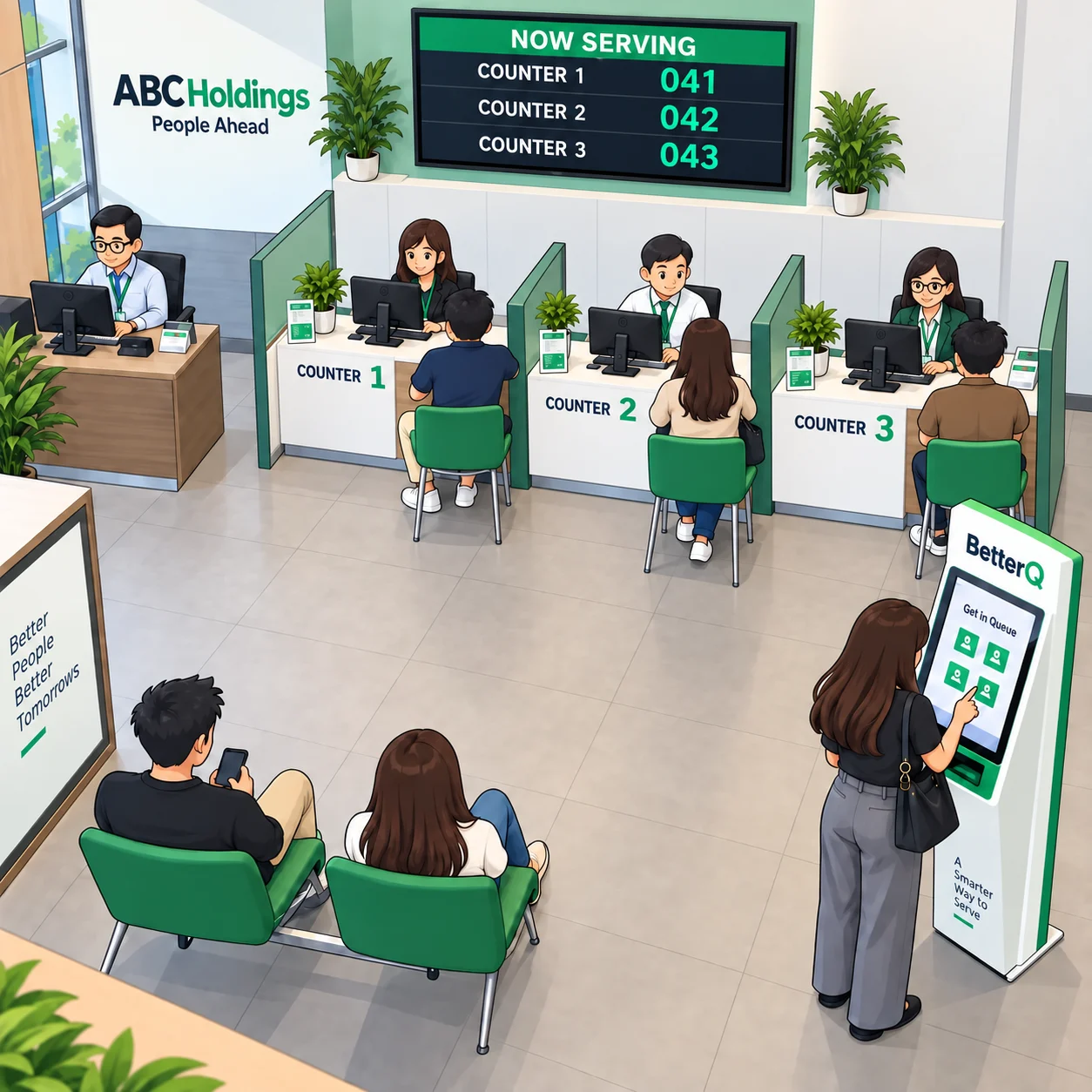
Manage walk-in tokens, in-person appointments, and online appointments in one system that runs on your PC, kiosk, mobile phone, or smart TV.
7 days free · No credit card required · Cancel anytime


One subscription.
Three ways to serve.
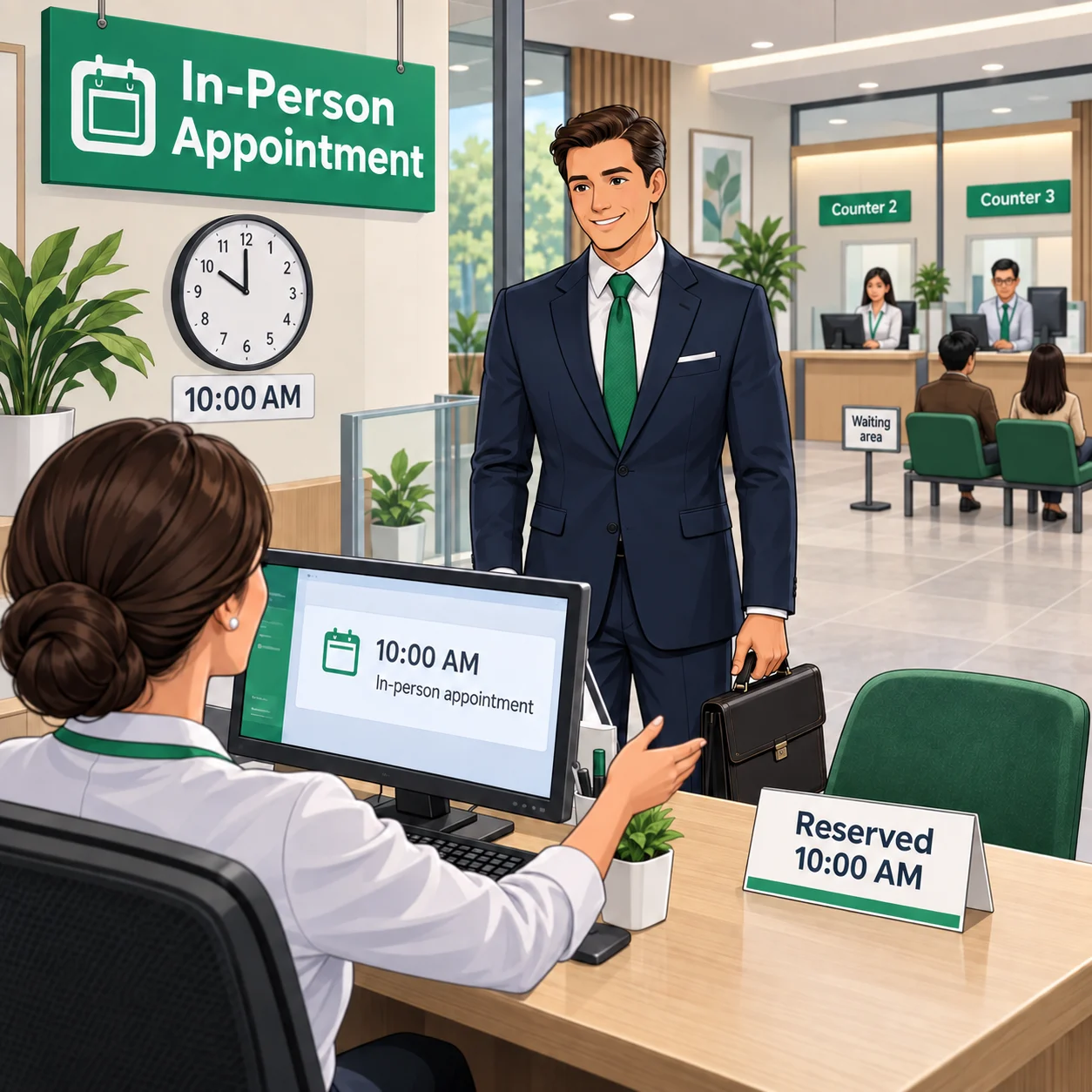
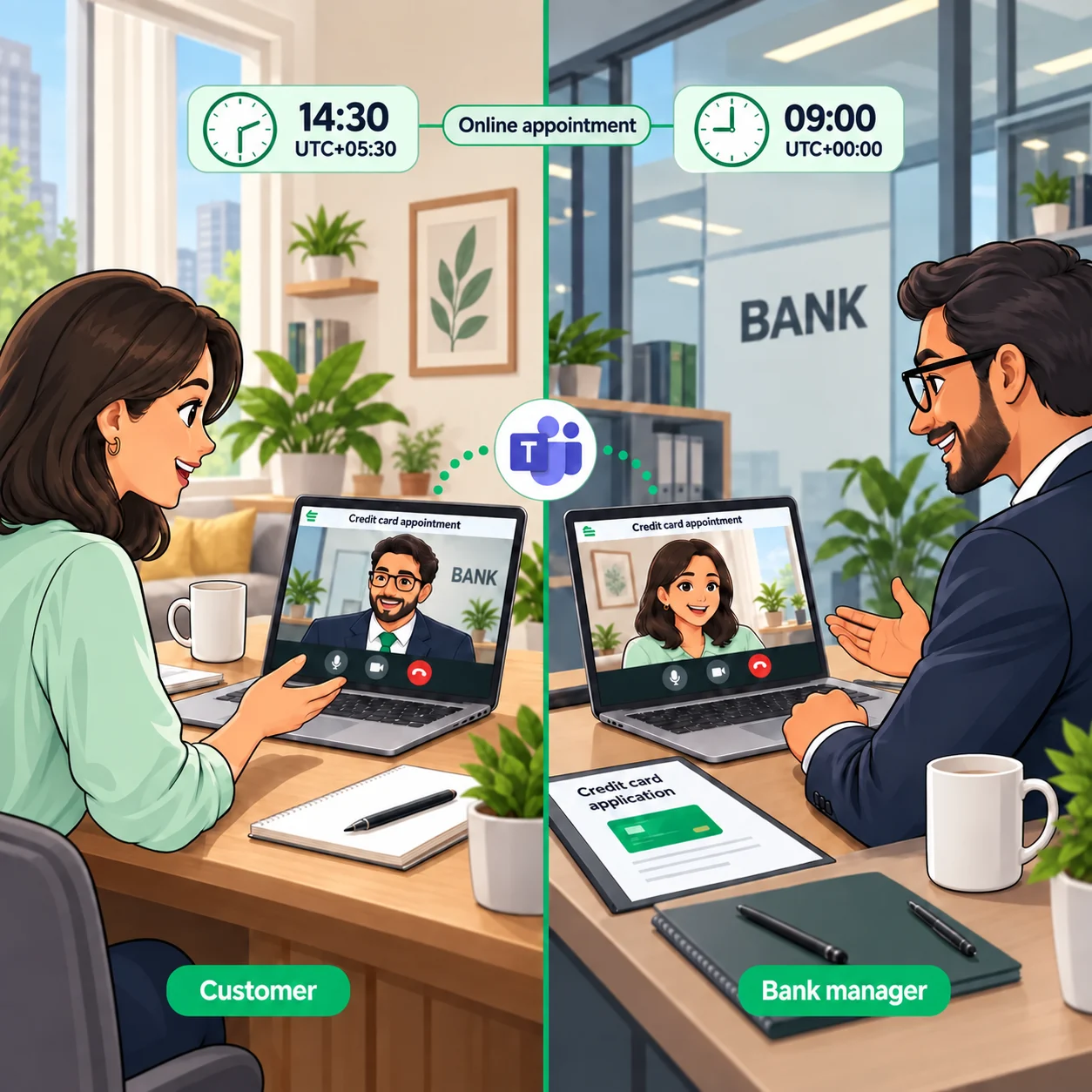
Offer physical queues, in-person appointments and online appointments — one of them or all three, at no extra cost.
Everything a service counter needs
No proprietary hardware, no per-device licenses — every feature is included on every plan.
Custom fields
Collect exactly the data each queue needs — custom fields for customers at token creation and for staff during service.
Support for Android & Windows kiosks
Out of the box Android & Windows kiosk support for seamless customer check-ins and token printing.
Embed BetterQ on your website
Easily embed BetterQ token/appointment issuance UI in your website. No redirects, no extra cost.
Displays and announcements
Use digital displays to call customers to the right counter with clear voice announcements in over 25 languages.
VIP, Priority and Regular tiers
Serve customers by tier with separate calling rules — VIP desks, priority lanes and regular queues side by side.
Notifications
Unlimited email notifications are free on every plan. SMS runs through your own Vonage account — you keep control of cost.
Integrates with your systems
Fetch customer info and tier from your own CRM or core system by API when a token is created — no double data entry.
Reports and audit logging
Wait-time and service reports for every queue, plus a full audit trail of staff and system actions.
Service review system
Collect customer ratings at the end of every visit and track service quality per counter and per staff member.
Your kiosk, your brand
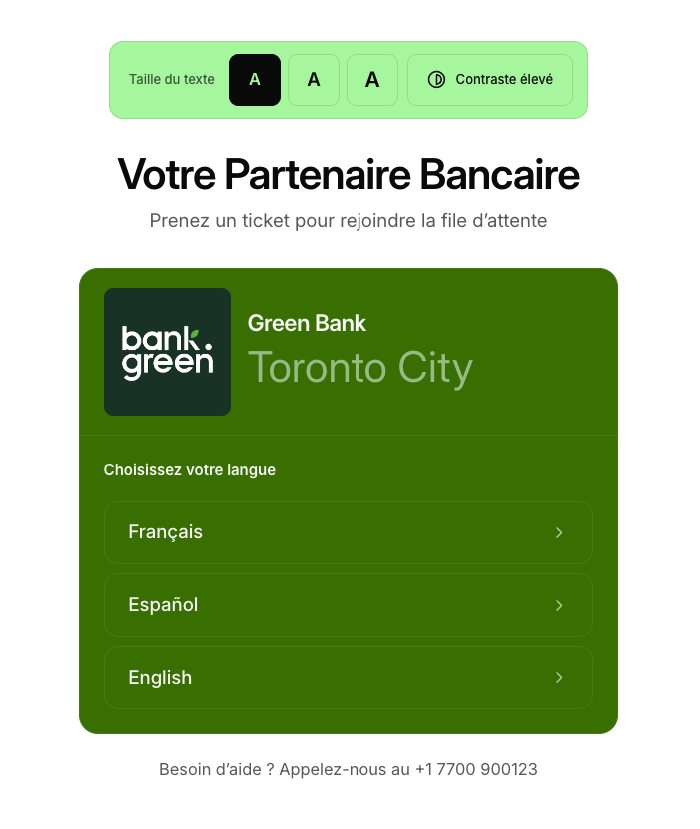
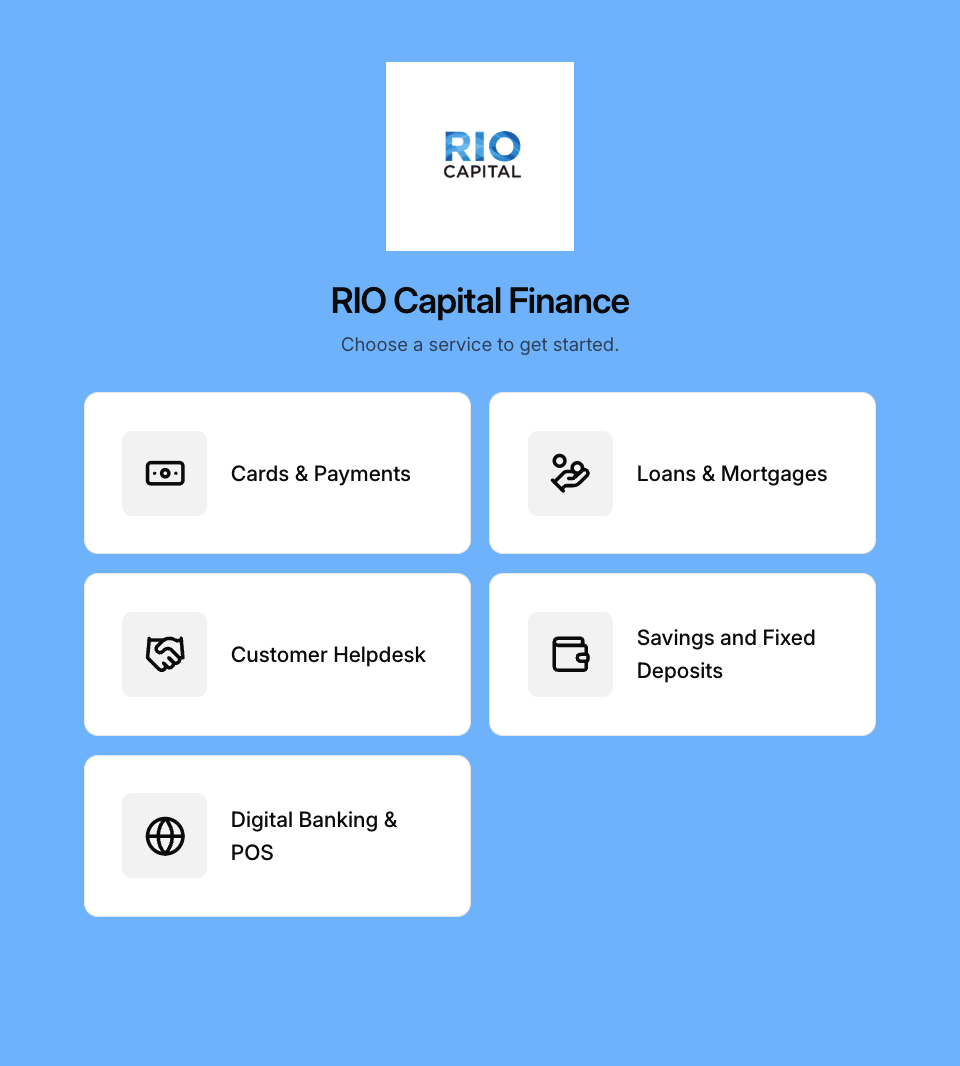
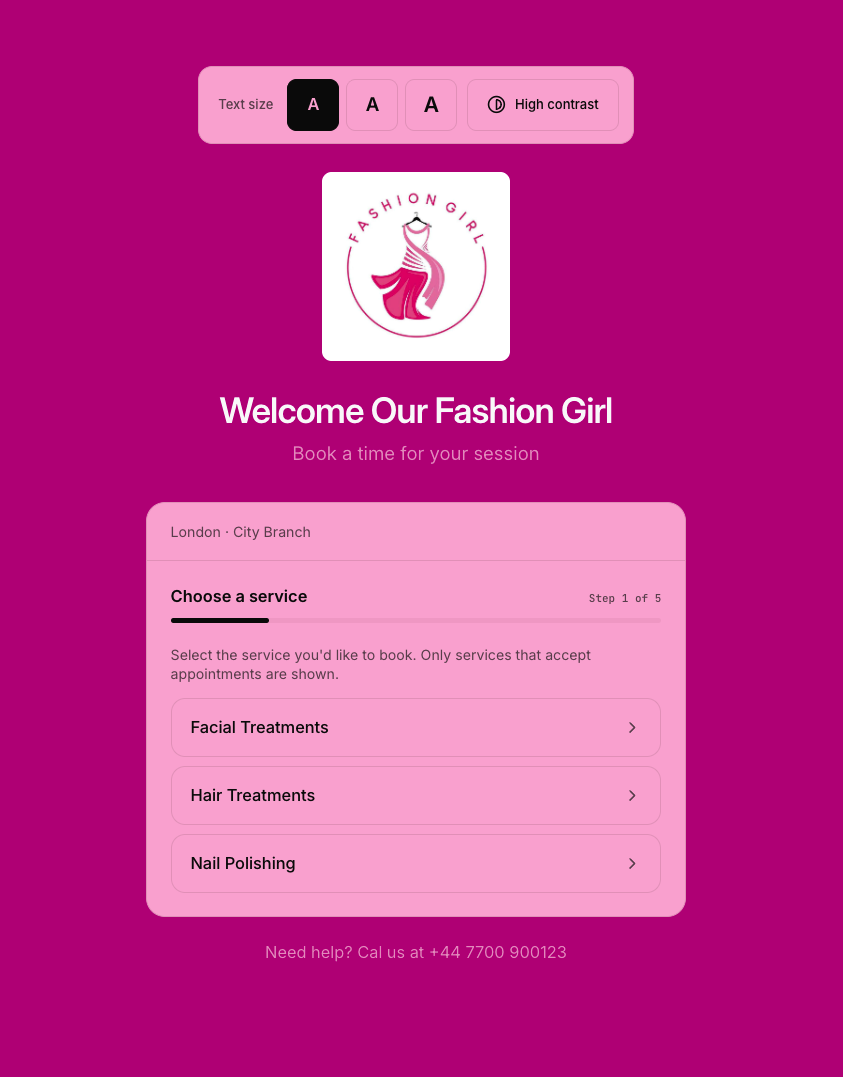
Customers take a token or book an appointment on their own, on screens that carry your brand and speak their language.
Windows and Android kiosk apps
Dedicated kiosk apps for Windows and Android run full screen, for a seamless experience from the first tap.
Fully customisable
Set the colours, logo, wording and text sizes of your kiosk screens to match your brand.
More than 25 languages
Offer up to six languages at a time, and customers choose theirs before they start.
Works with your printer
A wide range of receipt printers are supported, printing tickets on 58mm or 80mm thermal paper.
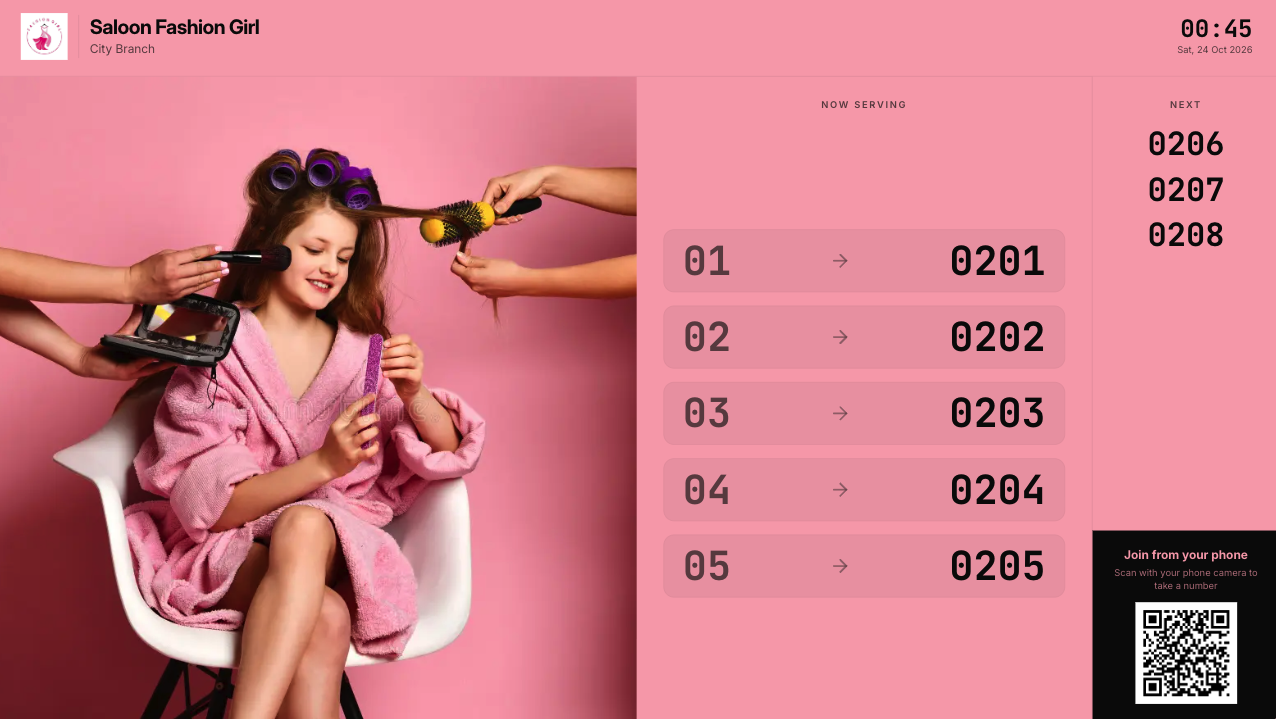
Turn any screen into a queue display
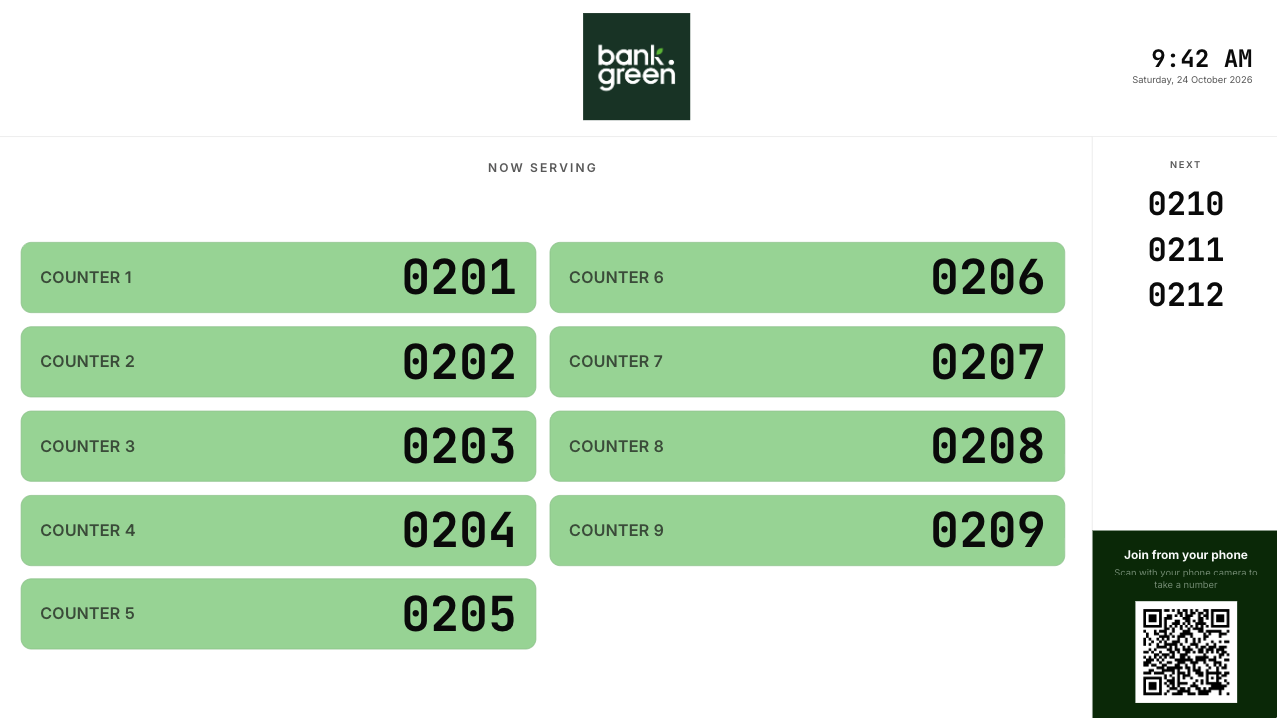
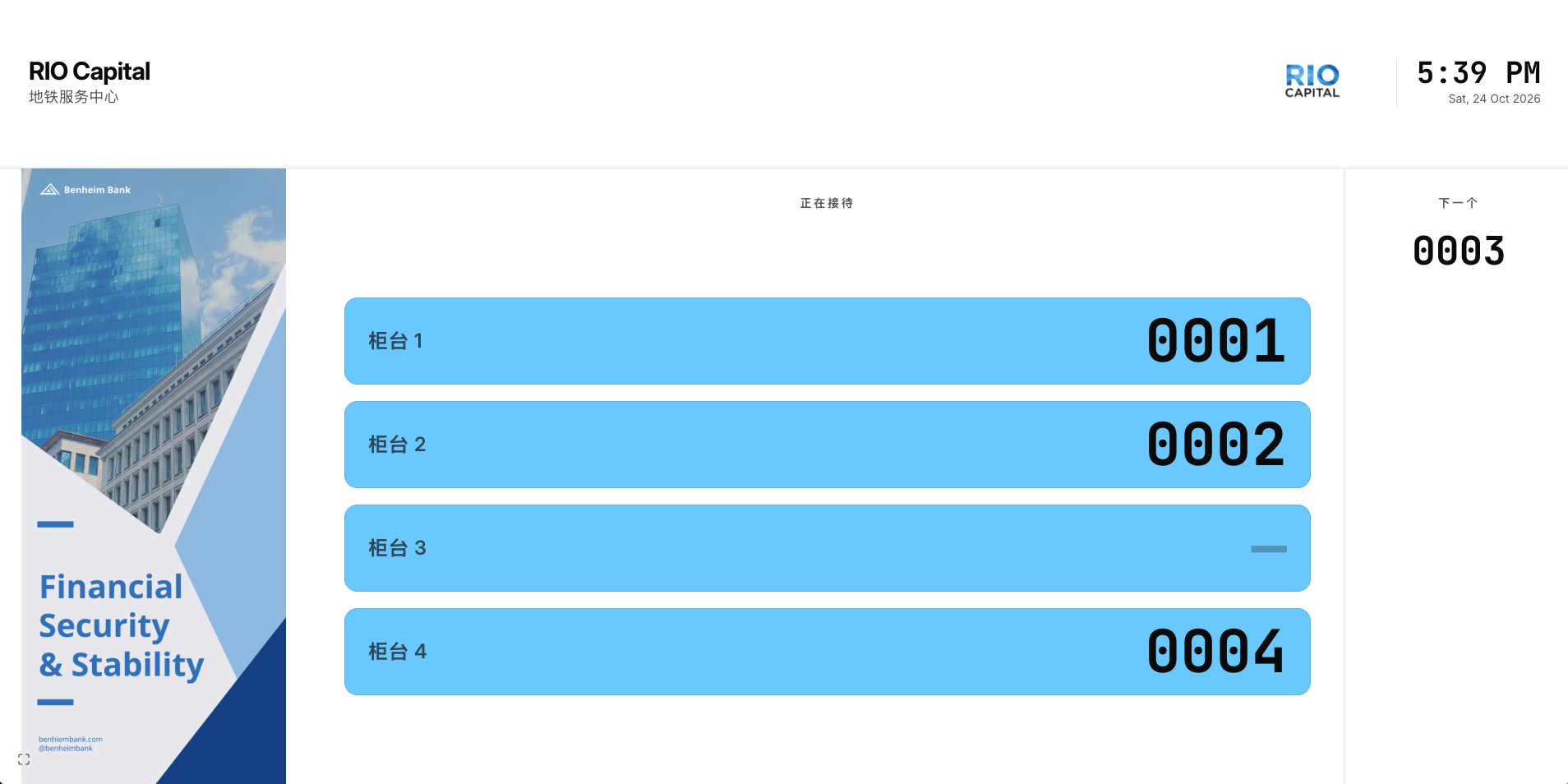
Show who is being served at every counter, live, on the TVs and monitors you already have.
Any smart TV or PC
Open your display in the web browser of any smart TV or PC. You can add unlimited displays.
Announcements in over 25 languages
Every call is announced aloud in the language the customer chose, from more than 25 languages.
Show your promotions
Put an advert, offer or notice beside the counters, so waiting customers see your promotions.
Fully customisable
Change each screen’s colours, wording, logo, clock and counter labels to suit your needs.
Built to keep your data safe
Your queue and customer data is encrypted, kept apart from every other organisation’s, and open only to the staff whose role allows it.
How we keep it secureYour own copy
Every organisation runs on its own separate copy of BetterQ, so your records are never mixed with anyone else’s.
Secure sign-in
Staff accounts can be protected with a second sign-in step or with passkeys.
Encrypted
Data encrypted in transit and at rest, with role-based access control.
Audit logging
Every administrative and staff action is logged and reviewable.
Built for busy service counters
Anywhere customers wait in line for counter service, BetterQ replaces paper tickets and crowding with an orderly queue.
Try BetterQ free for seven days
Full features on any plan. No credit card required. Payments secured with Paddle when you subscribe.
How does the free trial work?
Every plan starts with a 7-day free trial with full features. No credit card is required — you only add a payment method when you decide to subscribe.
Does BetterQ provide hardware like kiosks or tablets?
BetterQ does not provide hardware, so you can choose the devices that best suit your needs. We provide detailed guides for setting up kiosks and media displays, along with out of the box support for Windows and Android terminals.
What counts as a queue?
Each service line is one queue. Walk-in tokens and booked appointments for a queue draw from the same shared daily pool on your plan.
How are payments handled?
Subscription payments are secured with Paddle. We never see or store your card details.
How do notifications work?
Email notifications and tokens are free on every plan. SMS notifications run through your own Vonage account, so you control sender identity and cost.
How is my data protected?
Your data is encrypted in transit and at rest, and every organisation runs on its own separate copy of BetterQ. Audit logging and role-based access are included.